
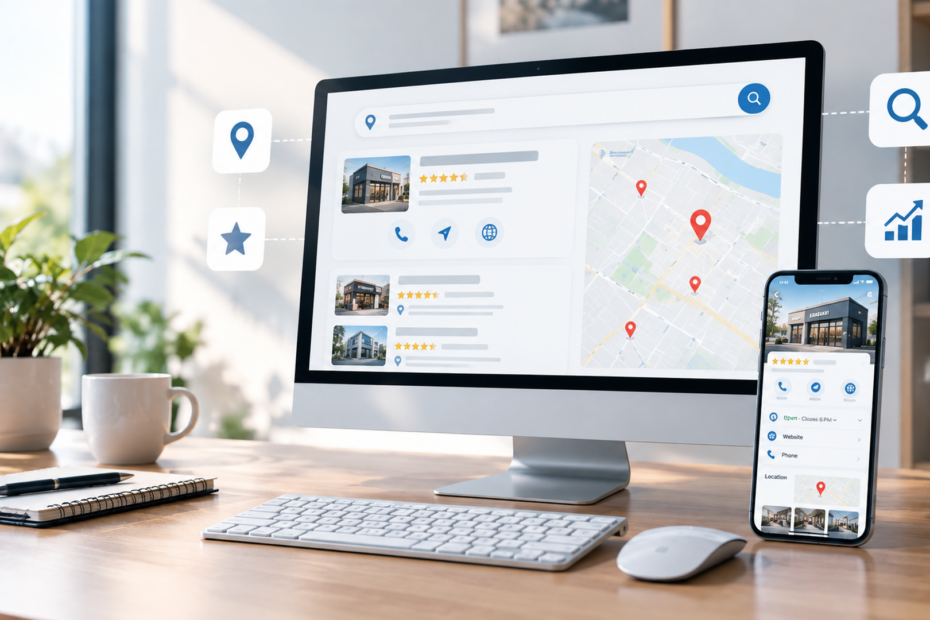
When someone searches for a business near them, Google may show local businesses through Search and Google Maps. For a local business, that visibility can put your company in front of potential customers at the exact moment they are looking for a product or service you provide.
But simply having a Google Business Profile is not enough.
To improve your Google Business Profile’s local visibility, keep your business information complete and accurate, choose relevant business categories, maintain your profile, respond to reviews, add useful photos and videos, and make sure your website and other online information support what your profile says. Google states that local results are primarily influenced by relevance, distance, and prominence.
So, how do you make your Google Business Profile work harder for your business?
What Is a Google Business Profile?
A Google Business Profile is the business listing that can appear when customers search for your company or for services near their location.
Depending on the business, the profile can display information such as:
- Business name
- Business category
- Address or service area
- Phone number
- Website
- Hours
- Photos and videos
- Customer reviews
- Business description
- Services and other relevant information
Google describes a Business Profile as a local storefront on Google Search and Maps. Businesses can use it to maintain information, publish photos and videos, respond to reviews, and help customers discover them online.
For a local business, this means your Google Business Profile is an important part of your online presence.
Why Does a Google Business Profile Matter for Local SEO?
A Google Business Profile matters for local SEO because it helps Google understand what your business does, where it operates, and how it relates to local searches.
When someone searches for something such as:
- “HVAC company near me”
- “best senior living community”
- “commercial cleaning company”
- “marketing agency near me”
- “plumber in [city]”
Google uses available business information to determine which local businesses are relevant to the search.
Google says local ranking is primarily based on relevance, distance, and prominence.
That means your profile should accurately communicate what your business offers and where you serve.
How Do I Optimize My Google Business Profile?
There is no single setting that guarantees a top position in local search.
Instead, optimization involves making sure your business information is accurate, complete, relevant, and supported by a strong overall online presence.
Here are some important areas to review.
1. Make Sure Your Business Is Verified
A verified Business Profile gives you control over the information displayed about your business.
Google states that businesses need to add or claim their Business Profile and verify it to manage how their business information appears across Google Search and Maps.
If your business has never claimed its profile, that should be one of the first steps.
2. Complete Every Important Section
Incomplete information can make it harder for customers to understand your business.
Review your profile and make sure important information is accurate, including:
- Business name
- Primary category
- Business hours
- Phone number
- Website
- Address or service area
- Business description
- Services
- Relevant attributes
Google recommends keeping business information complete and up to date because accurate information helps customers understand what you do, where you are, and when they can visit.
3. Choose the Right Business Category
Your category helps communicate what your business is to Google and potential customers.
For example, a company that provides commercial cleaning services should make sure its category accurately represents that business rather than selecting an unrelated category simply because it contains a desirable keyword.
The goal is relevance, not keyword stuffing.
Your primary category should accurately represent the core business, while additional categories can be used where appropriate.
4. Keep Your Business Information Consistent
Your Google Business Profile should not contradict your website or other important business listings.
Check that your:
- Business name
- Address
- Phone number
- Website
- Hours
- Services
- Service areas
are accurate and consistent across your online presence.
Google explains that information displayed in local profiles can come from multiple sources, including a business’s official website, third-party data, users, and other sources.
Keeping your business information clear and consistent gives customers and search systems better information to work with.
Do Google Reviews Help Local SEO?
Reviews are an important part of your Google Business Profile because they influence customer trust and can contribute to local prominence.
Google specifically recommends responding to reviews and notes that positive reviews and helpful responses can help a business stand out. Google also identifies review information as one of the signals associated with prominence in local search.
But the goal should not be to collect reviews simply for the sake of having a large number.
Businesses should focus on earning genuine feedback from real customers.
A good review strategy includes:
- Asking satisfied customers for honest feedback
- Making it easy for customers to leave a review
- Responding professionally to reviews
- Thanking customers for positive feedback
- Addressing legitimate concerns respectfully
- Avoiding fake or incentivized reviews that violate platform policies
What Should You Say When Responding to Reviews?
Keep your responses natural and specific.
Instead of replying to every customer with the same generic message, acknowledge something relevant to their experience.
For example, if a customer mentions your team’s fast response time, your reply can naturally acknowledge that aspect of the experience.
This creates a more genuine interaction while showing potential customers that the business pays attention to feedback.
Should I Add Photos to My Google Business Profile?
Yes. Relevant photos and videos can help customers understand your business before they contact or visit you.
Google recommends adding photos and videos to Business Profiles so customers can see what a business offers and better understand the business.
Depending on the business, useful images may include:
- Exterior photos
- Interior photos
- Products
- Services in action
- Team members
- Facilities
- Completed projects
- Before-and-after work
- Events
- Brand photography
For example, a landscaping company could showcase completed outdoor projects. A restaurant could show its dining area and food. A cleaning company could show professional work environments and completed projects.
The important point is authenticity.
Your profile should represent the actual business customers will encounter.
How Often Should I Update My Google Business Profile?
There is no universal schedule that guarantees better rankings.
However, your profile should be maintained whenever business information changes.
Update information when:
- Your hours change
- You move locations
- Your phone number changes
- You add or remove services
- Your service area changes
- You have new photos
- Important business information changes
Google also provides Business Profile performance data that can show how people discover your profile and what actions they take after finding it.
That information can help you understand whether people are finding your business through relevant searches and how they interact with your listing.
What Is the Difference Between Google Business Profile and Local SEO?
A Google Business Profile is one component of local SEO.
Local SEO is the broader strategy used to improve a business’s visibility for location-based searches.
It can include:
- Google Business Profile optimization
- Website optimization
- Location-specific content
- Service pages
- Reviews
- Local citations
- Online directories
- Relevant backlinks
- Local search content
- Technical SEO
- Consistent business information
Think of your Google Business Profile as one important piece of a larger local visibility strategy.
A strong profile paired with a poorly optimized website may leave opportunities on the table.
Likewise, a well-optimized website with an incomplete or inaccurate Business Profile can create an inconsistent customer experience.
Can My Website Affect My Local Search Visibility?
Yes. Your website and Google Business Profile should support each other.
Google says information used in local profiles can include content from a business’s official website.
Your website should clearly communicate:
- What your business does
- Which services you provide
- Where you serve customers
- How customers can contact you
- Why customers should choose your business
For a business serving multiple locations, location-specific pages may also help clearly communicate the areas and services you cover.
For example, instead of one generic page titled “Our Services,” a company may benefit from individual pages that clearly explain each major service and the locations served.
This creates useful information for customers while giving search engines more context about the business.
What About AEO and AI Search?
Local search is no longer limited to traditional Google results.
Customers can also ask questions through AI-powered search and answer systems.
This makes clear, structured information increasingly valuable.
For example, a business should be able to clearly answer questions such as:
- What services do you provide?
- What areas do you serve?
- What makes your company different?
- Do you offer emergency service?
- What are your business hours?
- How can someone contact you?
- What type of customers do you serve?
AEO, or Answer Engine Optimization, focuses on structuring useful information so it can be more easily understood and surfaced as direct answers.
That means your local visibility strategy should not only focus on ranking for keywords. It should also focus on answering the questions potential customers actually ask.
What Are the Biggest Google Business Profile Mistakes?
Many businesses create a profile and then rarely look at it again.
Common problems include:
Incomplete information
Important details are missing or outdated.
Incorrect business categories
The selected category does not accurately describe the business.
Outdated hours
Customers arrive when the business is closed because the listed hours were never updated.
Poor-quality or irrelevant photos
The profile does not accurately represent the business.
Ignoring reviews
Customers leave feedback but the business never responds.
Inconsistent business information
The phone number, address, services, or other details vary across different websites.
Treating the profile as a one-time setup
A Business Profile is part of your ongoing online presence. It should be monitored and maintained rather than created once and forgotten.
How Can You Tell If Your Local SEO Strategy Is Working?
Do not rely only on whether you personally see your business when you search.
Search results can vary based on factors including location and the search itself.
Instead, use available performance information and broader business metrics.
Look at:
- Business Profile views
- Search queries
- Website visits
- Phone calls
- Direction requests
- Form submissions
- Leads
- Customer inquiries
- Reviews
- Organic search traffic
Google’s Business Profile performance reporting can provide information about how customers discover and interact with a verified profile.
The ultimate goal is not simply more profile views.
The goal is connecting visibility with meaningful customer actions.
What Should a Business Do First?
If your Google Business Profile has not been reviewed recently, start with the basics.
Quick Google Business Profile Checklist
- Verify the profile
- Confirm the business name
- Check the primary category
- Review your service areas
- Confirm phone and website information
- Update business hours
- Review your business description
- Add relevant services
- Add current photos
- Respond to customer reviews
- Check your website for matching business information
- Review available performance data
- Identify gaps in your local SEO strategy
These steps can help establish a stronger foundation before moving into more advanced local marketing.
Final Takeaways
Your Google Business Profile is more than an online directory listing.
It can serve as a local storefront that helps customers discover your business, understand what you offer, read reviews, view photos, visit your website, and take the next step.
The most important points are:
- Keep your Google Business Profile accurate and complete.
- Choose categories that genuinely represent your business.
- Keep business information consistent across your online presence.
- Respond to customer reviews professionally.
- Use authentic photos and videos.
- Connect your Business Profile strategy with your website and local SEO.
- Create clear answers to the questions your customers actually ask.
- Monitor performance instead of relying only on rankings.
- Remember that local rankings are influenced by relevance, distance, and prominence, and no legitimate service can guarantee a specific Google ranking.
Is Your Business Being Found by Local Customers?
Getting discovered online takes more than creating a profile and hoping customers find you.
Kristyl Media helps businesses build stronger online visibility through website development, SEO, AEO, GEO, content creation, social media, advertising, reputation management, and integrated marketing strategies.
If your business is struggling to appear in local searches or your online presence feels disconnected, it may be time to look at the bigger picture.
Start by evaluating your Google Business Profile, website, search visibility, and customer journey together. A stronger local marketing strategy begins with understanding where your business is visible today and where opportunities are being missed.